
The Mondial Relay shipping label generated after a Leboncoin sale is a PDF file in A4 format, containing a barcode and a QR code that the Point Relais must scan to accept the package. Without this readable and correctly printed document, the drop-off is refused. The entire shipping chain relies on this label, and several technical details condition its proper functioning.
Mondial Relay Leboncoin Shipping Label: What the PDF File Really Contains
The shipping slip generated by Leboncoin after payment validation by the buyer is not just a simple address label. It includes three distinct technical elements: a linear barcode, a QR code, and a block of textual information (sender, recipient, tracking number, declared weight).
The barcode must remain readable by the Point Relais scanner. A print that is too light, a toner nearing the end of its life, or a modified scaling in the print settings can render the code unreadable. The Point Relais merchant cannot then register the package in the system.
To retrieve this file, you need to access the conversation with the buyer in the Leboncoin app or website, then click on the download button for the shipping slip. The PDF opens in the default browser or reading application. At this stage, it is possible to save it locally before printing. If you are looking for a detailed guide on printing the Mondial Relay Leboncoin shipping label, the procedure remains the same regardless of the operating system used.

Printing Settings for the Mondial Relay Label: Resolution and Scale
The most common issue when printing does not come from the file, but from the printer configuration. Two settings determine the success of the scan at the Point Relais.
- The print scale must be set to 100%, without automatic fitting to the page. On most browsers, the “Fit to Page” option slightly reduces the document, which compresses the barcode and sometimes makes it unreadable.
- The recommended minimum resolution is around 200 DPI. Below this, the fine bars of the barcode merge during printing, especially on entry-level inkjet printers.
- The “draft” or “ink-saving” print mode should be disabled. This mode reduces ink density and produces barcodes that are too faint to be scanned.
Printing in standard quality on ordinary white paper is sufficient in the vast majority of cases. Photo or glossy paper does not add value and can even cause problems if the label needs to be taped on.
Without a Personal Printer
Since 2025, Mondial Relay and Leboncoin have offered a drop-off option without printing. The seller presents the QR code displayed on their phone directly at the Point Relais, which prints the label on-site. This option appears in the Leboncoin app after the shipping label is generated.
Municipal libraries, coworking spaces, and print shops remain alternatives for those who prefer to arrive at the Point Relais with the label already affixed to the package.
Refusal at the Point Relais for Non-Compliant Packaging: The Trap to Anticipate
Having a perfectly printed label does not guarantee the acceptance of the package. The Point Relais merchant also checks the packaging before scanning the shipping slip. A package refused at this stage forces the seller to return home, repackage, and come back.
The most common reason for refusal is non-rigid or unsealed packaging. Mondial Relay requires a closed box or a sealed padded envelope. A plastic bag, an open box held together by partial tape, or an item simply wrapped in bubble wrap without a rigid container will be refused.
Packaging Standards to Respect for Mondial Relay
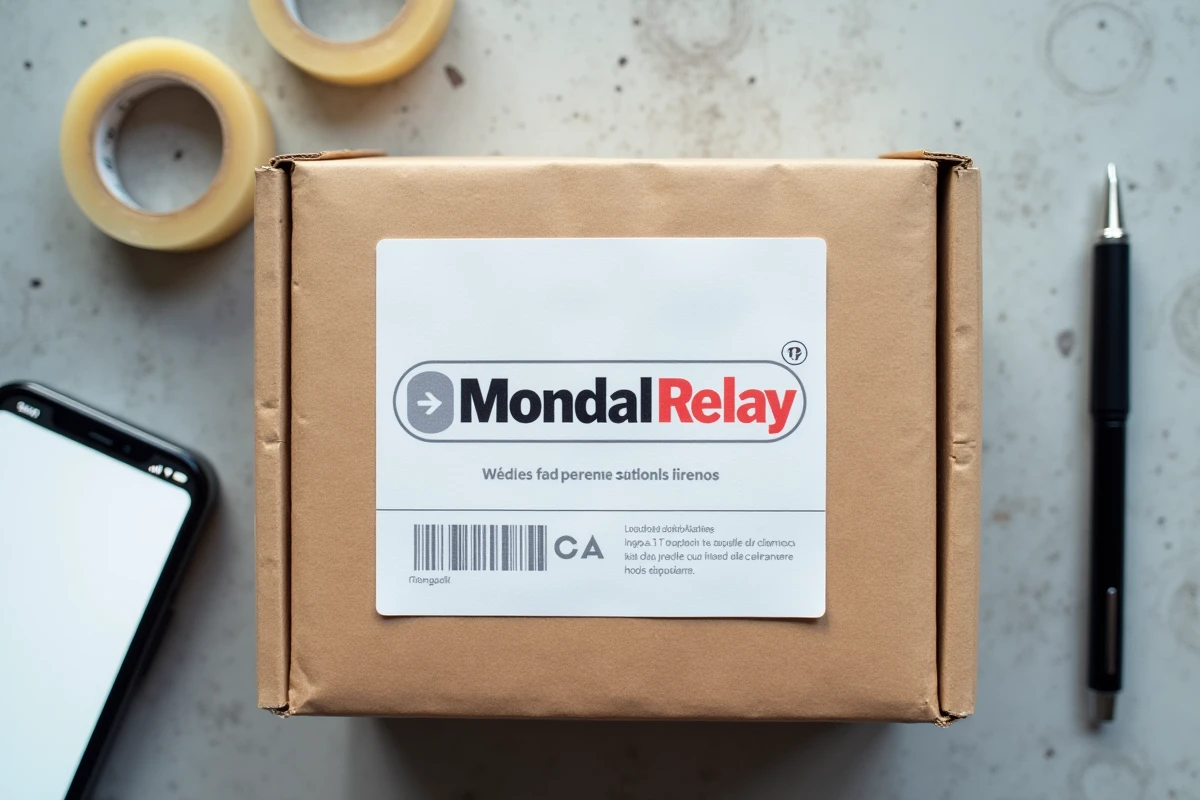
The package must be closed in such a way that it cannot open during transport. The label (or the receipt printed by the merchant) must be visible on the widest face, without folds or partial coverage by tape over the barcode.
- The box must not have any old shipping labels. Any residual barcode from a previous shipment can disrupt the scan and lead to misrouting.
- Spherical or irregularly shaped packages (very long tubes, non-parallelepiped objects) regularly pose problems. Mondial Relay specifies dimensional limits, and a package whose shape prevents stable stacking may be refused.
- The weight declared on Leboncoin at the time of sale must match the actual weight. A significant discrepancy triggers a refusal or a subsequent surcharge.
Removing all old labels and barcodes before affixing the new shipping slip takes thirty seconds and avoids an unnecessary round trip to the Point Relais.
Tracking the Mondial Relay Package After Leboncoin Drop-Off
Once the package is scanned and accepted at the Point Relais, the tracking number is activated in the Leboncoin interface. Both the buyer and the seller receive notifications at each stage: pickup, transit, availability at the recipient’s Point Relais.
The average time observed for small packages is shorter than that of some competitors, which partly explains the popularity of Mondial Relay on Leboncoin. Tracking remains accessible in the Leboncoin conversation and on the Mondial Relay website by entering the shipping number.
If the status remains stuck on “waiting for pickup” for more than 48 hours after drop-off, you should contact Mondial Relay customer service with the tracking number. The problem usually arises from an incomplete scan at the Point Relais, which support can correct manually.
The shipping label, packaging, and printing settings form a simple yet demanding technical trio regarding details. A slip printed at the correct scale, affixed to a clean box that complies with accepted dimensions, passes through the Point Relais without difficulty. Refusals almost always occur due to negligence on one of these three points.